
Auto-alignment
Align your scans for model preparation.

DTS 3D MODEL BUILDER
Prepare your scans for 3D printing with tools for auto-alignment, hollow or solid model creation, drain holes, and custom text.
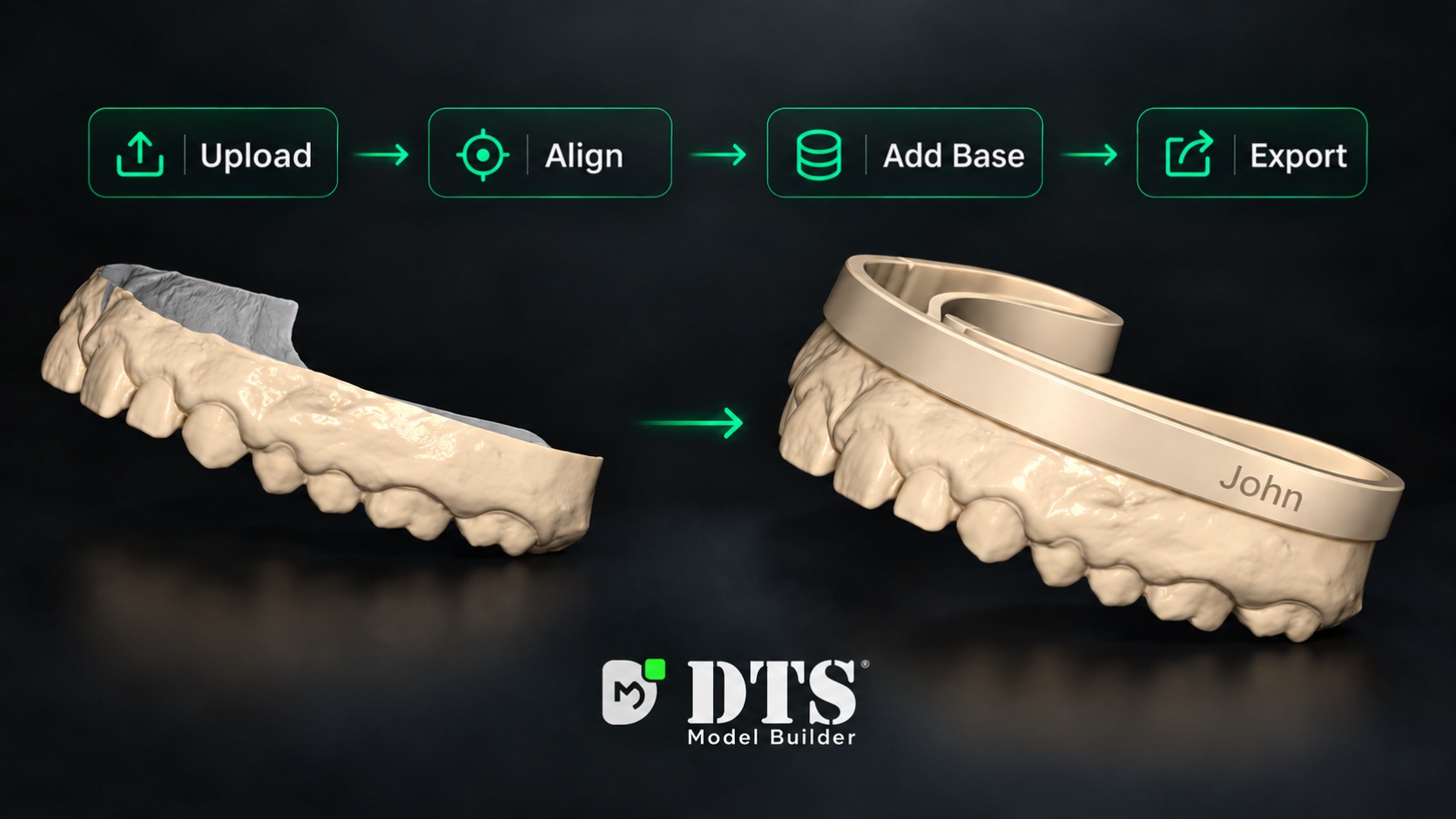
A SIMPLE WORKFLOW
Start by uploading your intraoral scan into DTS Model Builder.
Use auto-alignment to position your scan for model preparation.
Add a base, choose a hollow or solid model, and customize it with drain holes and text.
Export your prepared model for the next step in your printing workflow.
WATCH THE WALKTHROUGH
Explore the software and see how its model-building tools work.
BUILT FOR MODEL PREPARATION
Auto-align your scans, create hollow or solid models, place drain holes, and add custom text—all with exceptional accuracy.
Align your scans for model preparation.
Choose the construction that fits your workflow.
Add drain holes to your hollow models.
Label your models for easy identification.
Yes. DTS Model Builder is free forever, with unlimited exports and updates included.
DTS Model Builder supports Windows 10 and Windows 11.
Yes. You can create either type and add drain holes or custom text as needed.
Contact our team for help getting started.
FREE FOREVER. UNLIMITED EXPORTS.
Download DTS 3D Model Builder and start with your scan.
Download for WindowsWindows 10 & 11 · All updates included